How to Fix ‘Error Establishing a Database Connection’ in WordPress (2026 Guide)
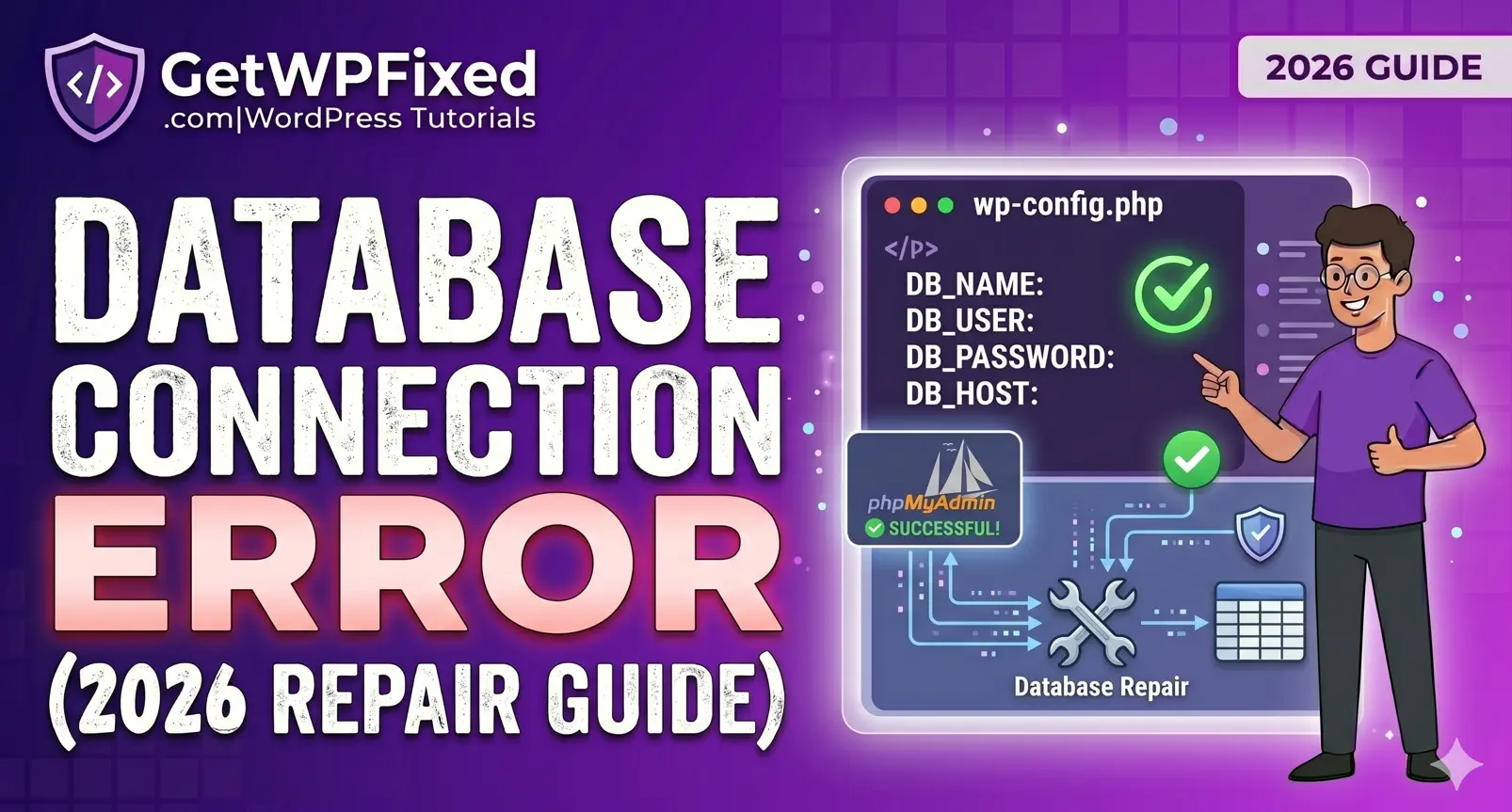
There is nothing quite as frustrating as opening your website only to be greeted by a blank white screen and a single sentence: “Error establishing a database connection.” For any website owner, this message is an instant source of panic. It means your website is completely offline, your visitors cannot access your content, and your business is grinding to a halt. To fix this issue, it helps to understand how your website works behind the scenes. WordPress is split into two main parts: your core files (which control your design and functionality) and your database (which stores all your actual data, like posts, pages, and user settings). When these two parts cannot talk to each other, your site completely breaks down. The good news is that this problem is incredibly common, and it is entirely fixable. In this comprehensive guide, we will look at exactly what causes an error establishing a database connection in WordPress and walk through five practical ways to restore your site safely. What Causes This Connection Error? Before diving into the technical fixes, let’s look at why the connection dropped in the first place. Pinpointing the root cause will help you apply the correct solution faster. Generally speaking, the connection breaks due to one of four main reasons: Now that we know what we are dealing with, let’s step through the troubleshooting process to get your site back online. Step 1: Check if the Error Happens on Your WP-Admin Dashboard The very first diagnostic step you should take is checking whether the error message is identical across your entire website. Open a new browser tab and try to log into your admin dashboard by adding /wp-admin to the end of your domain name. Look closely at what displays on your screen: Also read: How to Fix WordPress Cron Errors and Eliminate the 403 Forbidden Blocker If you are dealing with Case B, WordPress has a hidden, native repair utility built into its core files that can fix this automatically. To activate it, you will need to access your website’s root folder using an FTP client like FileZilla or the File Manager inside your web hosting control panel (like cPanel or hPanel). Once you are inside your root directory, locate your wp-config.php file. Open it with a text editor, scroll down toward the bottom, and paste this exact line of code right above the line that reads /* That’s all, stop editing! Happy publishing. */: PHP Save your changes and upload the file back to your server. Now, open your browser and navigate to this specific URL (replacing yourdomain.com with your actual website link): [https://yourdomain.com/wp-admin/maint/repair.php](https://yourdomain.com/wp-admin/maint/repair.php) This will launch a simple, hidden optimization dashboard. Click the button that says “Repair and Optimize Database.” WordPress will scan your tables, realign any broken structural elements, and attempt to fix the corruption automatically. ⚠️ Important Security Note: The moment your website is successfully restored, go back into your wp-config.php file and completely delete that line of code. Leaving the repair utility active is a major security risk because anyone can access that link and put undue stress on your server. Step 2: Verify Your Database Connection Credentials If your admin dashboard shows the exact same connection failure as the front end of your site, the issue is almost certainly an administrative mismatch inside your configuration files. WordPress requires four specific pieces of information to access your server rows. If even a single character, capital letter, or special symbol is wrong, the connection will drop instantly. Open your wp-config.php file again and locate the following four definitions: PHP Now, keep this file open and log into your web hosting account in a separate window. Navigate to the MySQL Databases section of your hosting dashboard. You need to cross-check these values manually: Once you have meticulously verified these values, save your file and refresh your website. If a credential typo was the cause, your site will load instantly. Step 3: Check with Your Web Hosting Provider (Server Overload) If your credentials are correct and your tables are healthy, the issue might be completely out of your hands. Your hosting server itself might be struggling. When a website receives a massive surge in traffic, or if another site on a shared server is hogging all the available system resources, the database service (MySQL or MariaDB) can crash. To check if this is happening: When this happens, your best option is to contact your web hosting company’s support team immediately. Open a live chat ticket and tell them: “My site is showing an error establishing a database connection, and the MySQL service appears to be down in my panel.” They will be able to reboot the SQL service or allocate more memory headroom to your account to bring it back online. Also Read: How to Fix WordPress Critical Error & White Screen (2026 Guide) Step 4: Fix Corrupted Core WordPress Files or Theme Conflicts On rare occasions, deep core file corruption or an aggressive script conflict can cause a breakdown in communication between WordPress and your database. This frequently happens after an interrupted automated background update or a malware injection. If you suspect this is the case, you can rule out a plugin or theme conflict by using FTP or your File Manager to rename your active folders. If that doesn’t fix it, your core system files might be damaged. You can easily replace them without touching your content: Conclusion Encountering an error establishing a database connection in WordPress can feel intimidating, but running through these clear steps will resolve the vast majority of cases. By logically checking your error display, auditing your configuration credentials, checking server uptimes, and ensuring your data tables aren’t corrupted, you can systematically pinpoint the issue and bring your site back online safely. Regular maintenance, choosing a high-quality hosting provider, keeping your PHP versions updated, and taking routine automated backups will ensure your database remains protected against future unexpected crashes.