Elementor Tutorials Archives - Get WPFixed

How to Create a Sticky Header in Elementor (2026 guide)
How to create Sticky Header in Elementor

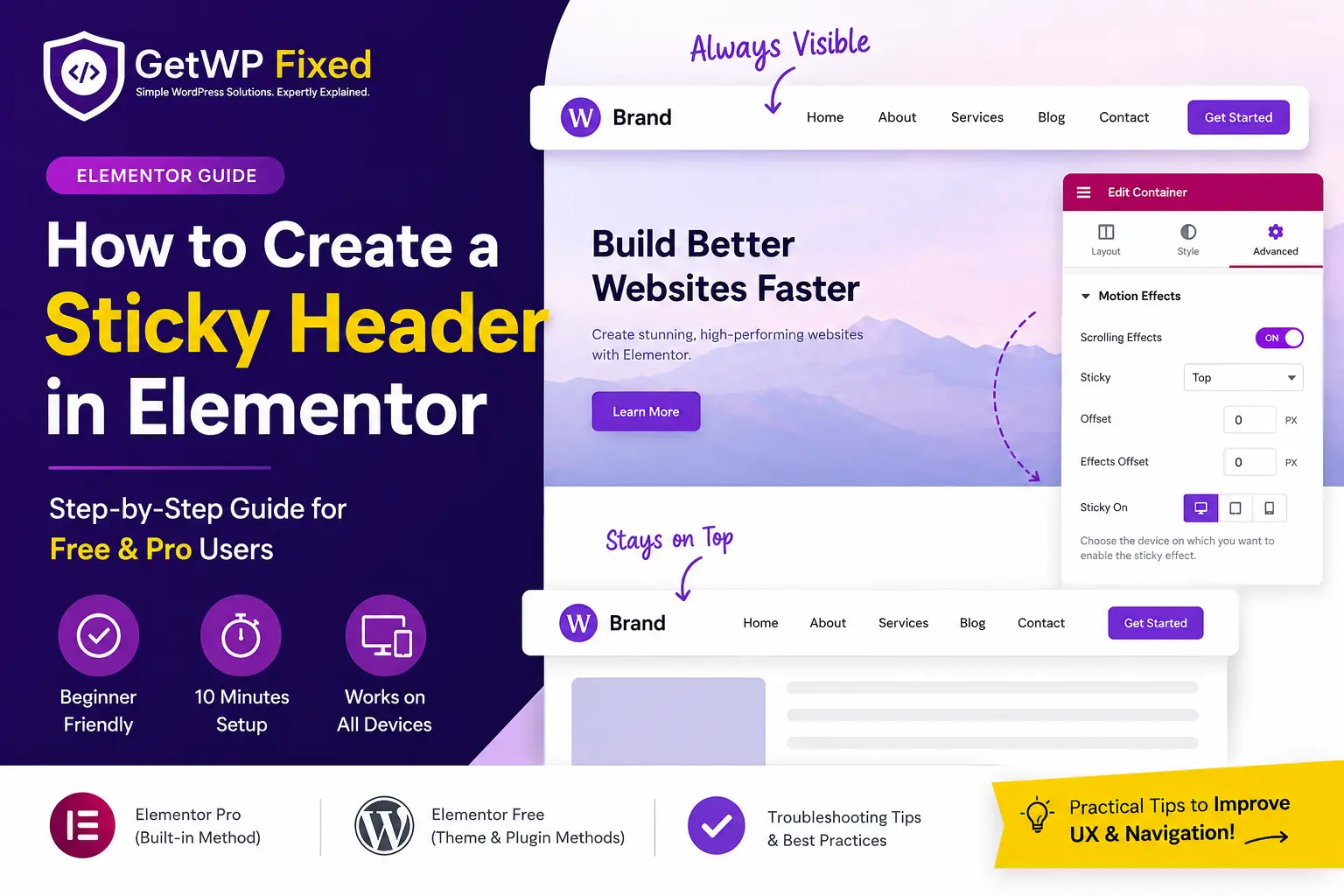
A sticky header keeps your website’s navigation visible as visitors scroll down the page. It improves user experience by making menus, logos, and call-to-action buttons accessible at all times. If you’re using Elementor, you can create a professional sticky header in just a few minutes using Elementor Pro or a free alternative. In this guide, you’ll learn how to create a sticky header in Elementor step by step, along with common mistakes to avoid and solutions if it doesn’t work as expected. Quick Answer If you’re using Elementor Pro, open your header template, select the parent container, go to Advanced → Motion Effects, set Sticky to Top, and publish the changes. If you’re using Elementor Free, you can achieve a similar result using your theme’s built-in sticky header option or a lightweight WordPress plugin. At a Glance Item Details Difficulty Beginner Time Required 10 Minutes Elementor Version Free & Pro WordPress Version 6.0 or later Recommended Method Elementor Pro Last Updated July 2026 What Is an Elementor Sticky Header? An Elementor sticky header is a header that stays fixed at the top of the screen while visitors scroll through your website. Instead of disappearing when users move down the page, it remains visible, allowing quick access to your navigation menu, logo, search bar, or contact button. For example, imagine you’re reading a long blog post and want to visit another page. Without a sticky header, you’d have to scroll back to the top to find the navigation menu. With a sticky header, the menu is always available, making navigation faster and more convenient. Most business websites, online stores, portfolios, and SaaS websites use sticky headers because they improve usability and help visitors move around the site more efficiently. 💡 Pro Tip: Apply the sticky effect to the parent header container, not just the Navigation Menu widget. This ensures your logo, menu, and action buttons stay together while scrolling. Why Should You Use a Sticky Header? A sticky header isn’t just a design trend, it offers real usability benefits. Benefits of a Sticky Header Benefit Why It Matters Better Navigation Visitors can access the menu anytime without scrolling back to the top. Improved User Experience Makes browsing smoother, especially on long pages. Higher Engagement Users are more likely to explore additional pages. Increased Conversions Important buttons like Contact, Book Now, or Shop remain visible. Professional Appearance Creates a polished, modern website experience. Sticky headers are especially useful for: Before You Start Before creating a sticky header, make sure you have the following: If you’re using Elementor Free, don’t worry. We’ll also cover an alternative method later in this guide. How to Create a Sticky Header in Elementor Pro Elementor Pro includes a built-in Sticky feature, making it the easiest and most reliable way to create a sticky header. Follow these steps: Step 1: Open Your Header Template In your WordPress dashboard, go to: Templates → Theme Builder → Header Open the header you want to make sticky by clicking Edit with Elementor. Step 2: Select the Parent Header Container Click the outermost header container (or section if you’re using the older layout). This is one of the most common mistakes beginners make. If you select only the Navigation Menu widget, the menu may stay fixed while the logo and other header elements scroll away. Always apply the sticky settings to the entire header container. Step 3: Enable the Sticky Option With the header container selected: Go to: Advanced → Motion Effects Under Sticky, choose: Top This tells Elementor to keep the header attached to the top of the browser window while visitors scroll. Step 4: Choose Where the Sticky Header Works Under Sticky On, select the devices where you want the sticky header to appear. For most websites, enabling it on Desktop, Tablet, and Mobile works well. However, if your header is large, you may prefer to disable it on mobile to save screen space. 💡 Pro Tip: Test your sticky header on a real mobile device. A header that looks perfect on desktop may feel oversized on a smaller screen. Step 5: Publish and Test Click Update to save your changes. Now visit your website and scroll down the page. Your header should remain fixed at the top while the rest of the content moves underneath it. If it doesn’t, don’t worry we’ll cover the most common fixes later in this guide. How to Create a Sticky Header in Elementor Free If you’re using Elementor Free, you won’t find the Sticky option under Motion Effects because it’s an Elementor Pro feature. The good news is that you can still create a sticky header without upgrading. The two easiest methods are using your WordPress theme’s built-in sticky header feature or installing a lightweight sticky header plugin. Method 1: Use Your Theme’s Sticky Header Feature (Recommended) Many modern WordPress themes already include a sticky header option. If your theme supports it, this is the simplest and most reliable solution because it doesn’t require additional plugins. Popular themes with sticky header support include: Step 1: Open the WordPress Customizer From your WordPress dashboard, navigate to: Appearance → Customize Step 2: Open Header Settings Depending on your theme, the option may be named: Open the header settings and look for a Sticky Header or Fixed Header option. Step 3: Enable Sticky Header Turn on the Sticky Header option and publish your changes. Visit your website and scroll down the page to confirm that the header remains fixed at the top. 💡 Pro Tip: If your theme already supports sticky headers, use that feature instead of installing another plugin. Fewer plugins generally mean better performance and fewer compatibility issues. Method 2: Use a Sticky Header Plugin If your theme doesn’t include a sticky header feature, you can use a dedicated WordPress plugin. Choose a plugin that is: After installing the plugin: ⚠️ Common Mistake: Don’t install multiple sticky header plugins. Running more than one can cause flickering, duplicate headers, or unexpected layout issues. Elementor … Read more
Elementor vs. Gutenberg: Which is Faster for Business Sites in 2026?

elementor-vs-gutenberg-2026

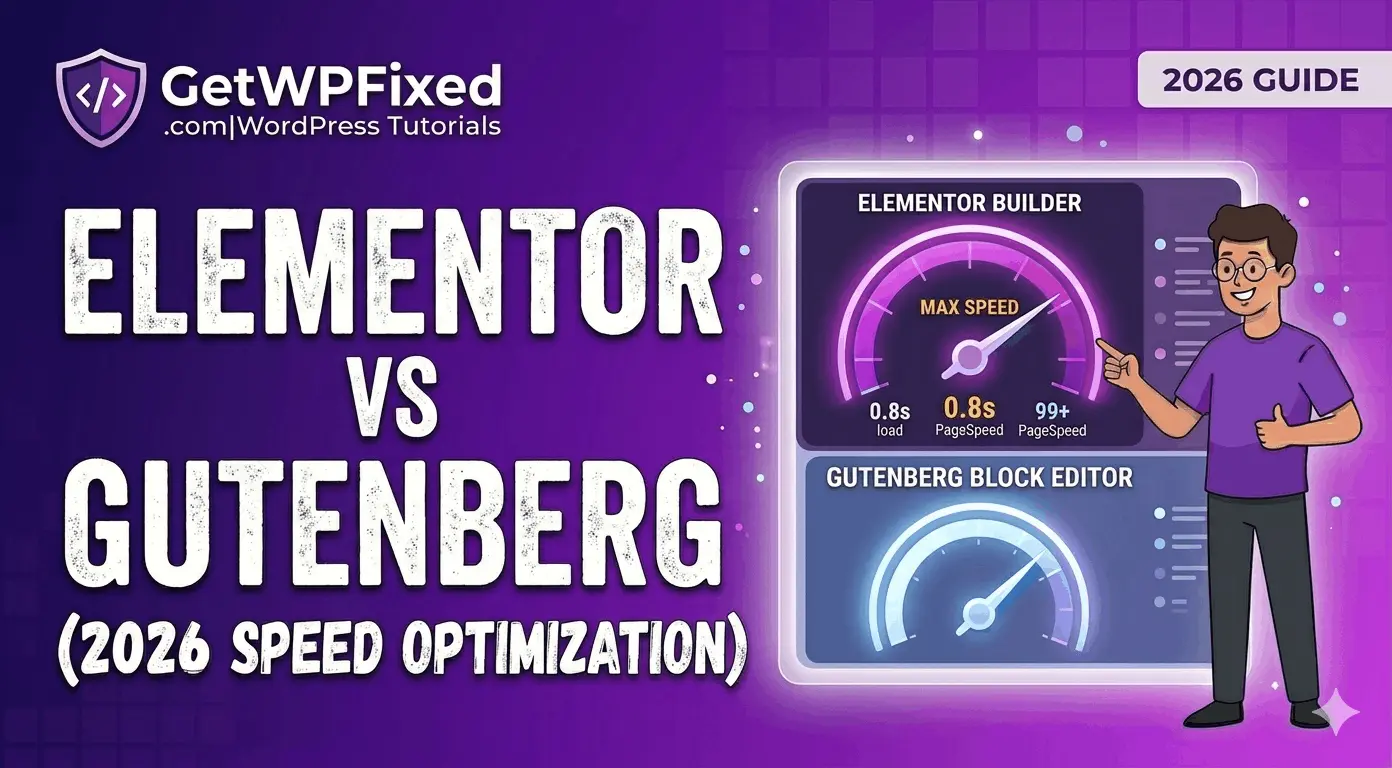
If you’ve been following GetWPFixed, you know I’m a fan of Elementor’s design power. But a common question I see in my search logs is: “Does Elementor slow down your site?” As we move through 2026, the gap between “easy design” and fast performance is closing. For business owners in the US and UK, where a 1-second delay can kill a conversion, choosing between Elementor vs Gutenberg speed is the most important technical decision you’ll make. Here is my honest, developer-level breakdown of how these two giants compare in a real-world performance battle. 1. Elementor vs Gutenberg Speed: Analyzing the Bloat Factor Elementor is a “Page Builder,” meaning it carries a lot of extra code (CSS and JS) to make drag-and-drop possible. Gutenberg, on the other hand, is the Block Editor built directly into the WordPress core. The Pro Insight: In a clean test, Gutenberg will always win on “raw” code weight. However, for a professional US/UK business site, you usually need extra plugins to make Gutenberg look good. Once you add 5 Block Library plugins, the speed advantage often disappears. 2. Does Elementor Slow Down Your Site? Here’s the reality: it’s only slow if you leave the default settings on. In my previous guide on how to fix a slow Elementor website, I showed that by using Flexbox Containers and disabling unused widgets, you can get an Elementor site to load in under 1.2 seconds. The Verdict: Elementor only slows down your site if you use it like an amateur. For a pro developer, it’s a powerful tool that can still hit 95+ on PageSpeed Insights. Also read: Hostinger vs. MilesWeb for WordPress 2026 3. Core Web Vitals: Comparing Elementor vs Gutenberg Speed for LCP Google’s Core Web Vitals are the same whether your visitor is in London or Mumbai. If your target audience is in the US/UK, I recommend using Elementor for high-converting landing pages and Gutenberg for your blog posts. This Hybrid approach is the secret to a fast, professional site. 4. Workflow for 2026: The “GetWPFixed” Recommendation If you are building a site today, here is the rule of thumb: My Final Verdict on Elementor vs Gutenberg Speed for 2026 The Elementor vs Gutenberg speed debate isn’t about which is better, it’s about which is right for your business goals. Speed is a feature, but so is design. Which one are you using for your project? Drop your URL in the comments, and I’ll run a quick performance audit to tell you if your page builder is holding you back!

Free Theme Builder Plugins for WordPress (2026)

Free theme builder plugins

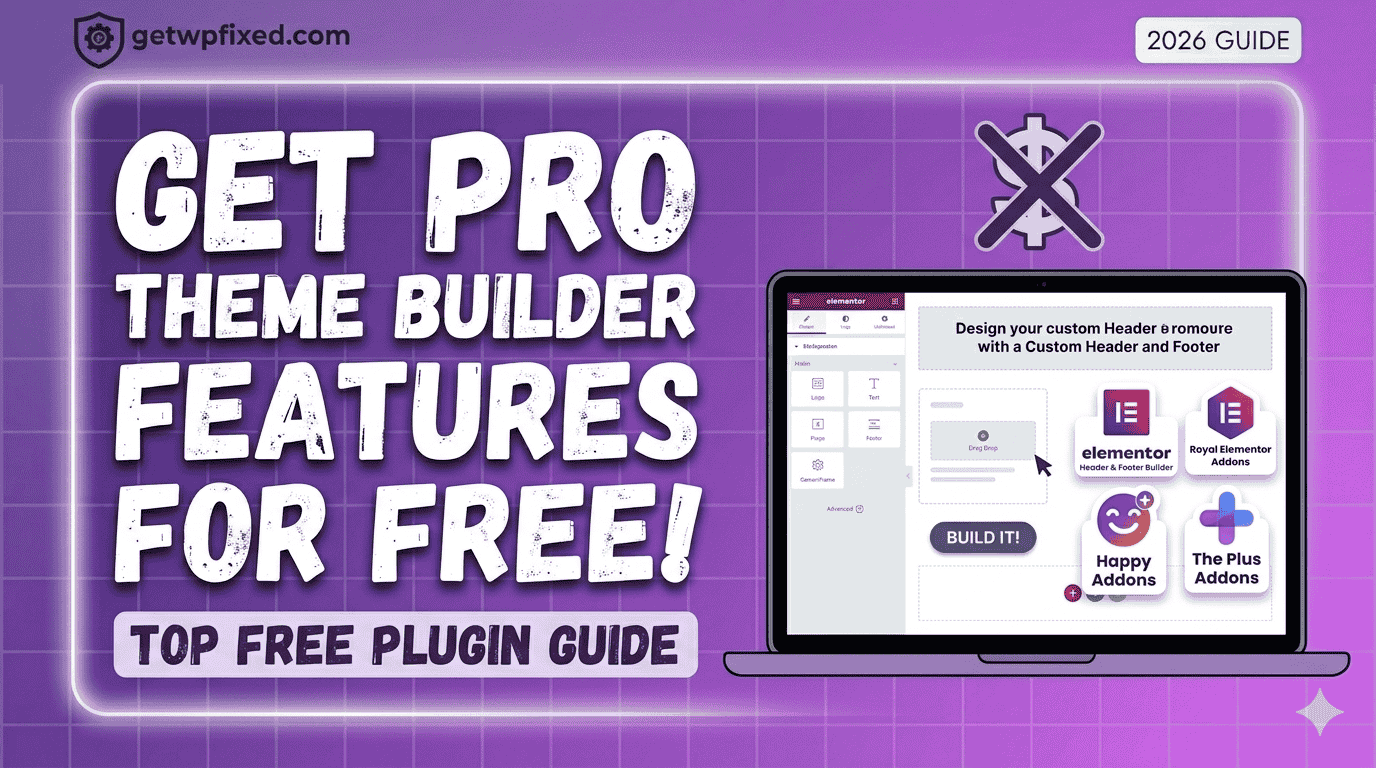
Let’s be honest: Elementor Pro is amazing, but not everyone has the budget for it when they are just starting out. The biggest “missing piece” in the free version of Elementor is the Theme Builder—the tool that lets you design your own custom headers, footers, and blog post layouts. If you’ve ever felt “stuck” with your theme’s default header or footer, I have good news. You don’t need to reach for your credit card just yet. At GetWPFixed, I’m all about finding smart workarounds. Here are the best free theme builder plugins that give you Pro power for $0. “Before you start building with these free tools, make sure your editor is working smoothly—if you run into any loading issues, here is my guide to fixing the Elementor loading circle.” 1.Jeg Elementor Kit (My Top Choice) By using Jeg Elementor Kit, you can create beautiful-looking websites with just a single click. The magic here is in their template library—you can import a full, professional-looking design instantly. Personally, I have made lots of websites using this plugin, and it is my preferred choice for every new project I start. It’s fast, reliable, and the free version gives you a surprising amount of power. It includes a dedicated Theme Builder menu where you can visually design your header, footer, and even your 404 pages without touching a single line of code. 2. Royal Elementor Addons By using Royal Elementor Addons, you can create beautiful-looking websites with just a single click. The magic here is in their template library—you can import a full, professional-looking design instantly. Personally, I have made lots of websites using this plugin, and it is my preferred choice for every new project I start. It’s fast, reliable, and the free version gives you a surprising amount of power. 3. Happy Addons If you’re looking for a theme builder that feels “fun” but is incredibly powerful, Happy Addons is a great contender. Their free version includes a “Theme Builder” feature that specifically helps you design custom headers and footers. 4.The Plus Addons for Elementor The Plus Addons is like a Swiss Army knife for WordPress. They offer a “UI Builder” in their free version that lets you customize specific parts of your theme that the standard Elementor free version usually locks away. 5. Why Not Just Use a “Block” Theme? In 2026, WordPress itself has become a “Theme Builder” through Full Site Editing (FSE). If you use a theme like Blocksy or Astra, they have built-in header/footer builders that work alongside Elementor perfectly. Sometimes the “best” plugin is actually just using a better theme! Final Thoughts You don’t need a massive budget to have a professional-looking site. Start with Royal Elementor Addons—it’s stable, fast, and gives you that ‘one-click’ professional finish. While these plugins are great, remember that keeping your site secure is just as important. Check out our WordPress Security Guide to keep your new designs safe.” Are you trying to build a specific custom layout right now? Drop a comment below and let’s figure it out together! Check out my Portfolio.

Fix Elementor Widget Panel Not Loading (2026 Guide)

Fixing the Elementor widget panel not loading error

There is nothing quite like the “design flow.” You’ve got your coffee ready, you’ve got a vision for your landing page, and you click “Edit with Elementor”—only to be met with that endless grey loading circle in the widget panel. It’s frustrating, it’s a time-waster, and honestly, it happens to the best of us. At GetWPFixed, I’ve spent countless hours troubleshooting this exact issue. The good news? Your site isn’t broken. Usually, it’s just a case of your server or a rogue plugin being a bit “stubborn.” Let’s get it fixed so you can actually get some work done. The Most Common Culprit: Memory Limits Think of Elementor as a heavy-duty power tool. If your hosting server is only giving it a tiny “battery” (PHP Memory), it’s going to struggle to start. Most hosting providers set the default limit to 128MB or 256MB. For a smooth Elementor experience, you really want that at 512MB. You can usually fix this by adding a single line to your wp-config.php file: define(‘WP_MEMORY_LIMIT’, ‘512M’); (If you aren’t comfortable touching code, just ask your host’s support to “increase the PHP memory limit to 512″ and they’ll do it in two minutes.) Try the “Safety Switch” Elementor actually knows that some servers are a bit picky about how they load data. Because of this, they’ve built in a “Switch Editor Loader Method.” I’ve seen this solve the loading issue about 40% of the time. Just head over to Elementor > Settings > Advanced and toggle that switch to Enable. It changes how the editor requests data and often bypasses the hang-up entirely. The “One by One” Plugin Test I know, I know—nobody likes doing this. But if the two steps above didn’t work, you likely have a plugin conflict. Disable everything except Elementor. If the panel loads, you know the “villain” is one of your other plugins. Turn them back on one at a time until the loading circle returns. Once you find the one causing the clash, see if there’s an update available or look for an alternative. Still Stuck? Sometimes it’s as simple as your browser being tired. Try opening your site in an Incognito/Private window. If it loads there, you just need to clear your browser cache and you’re good to go. Drop a comment below if you’re still seeing that spinning circle—I’d love to help you figure it out! FAQ Will I lose my design if I increase memory? No, increasing memory only gives your site more power to load the editor; it won’t change your content. Is this a bug in Elementor? Not necessarily. It’s usually just a handshake issue between your server and the software.