Is Core Web Vitals a Ranking Factor in 2026?
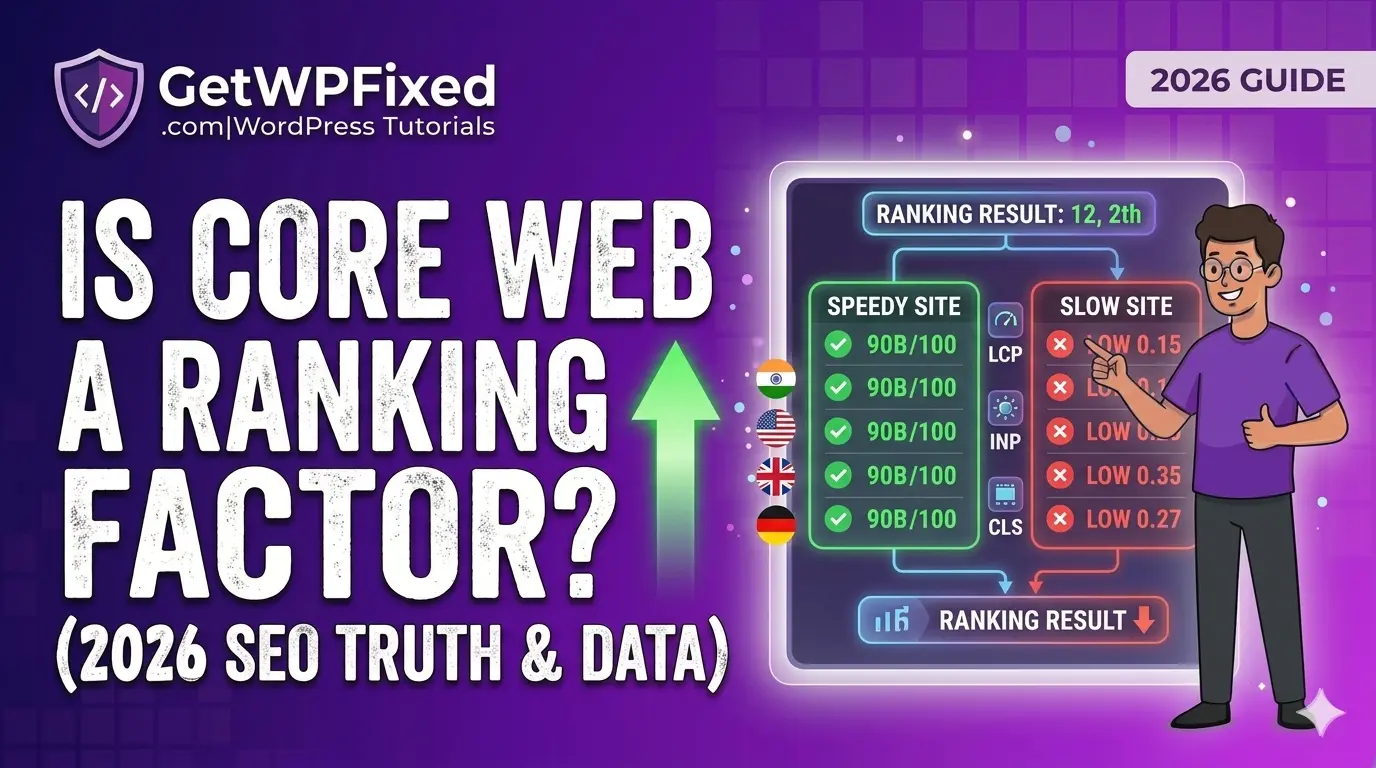
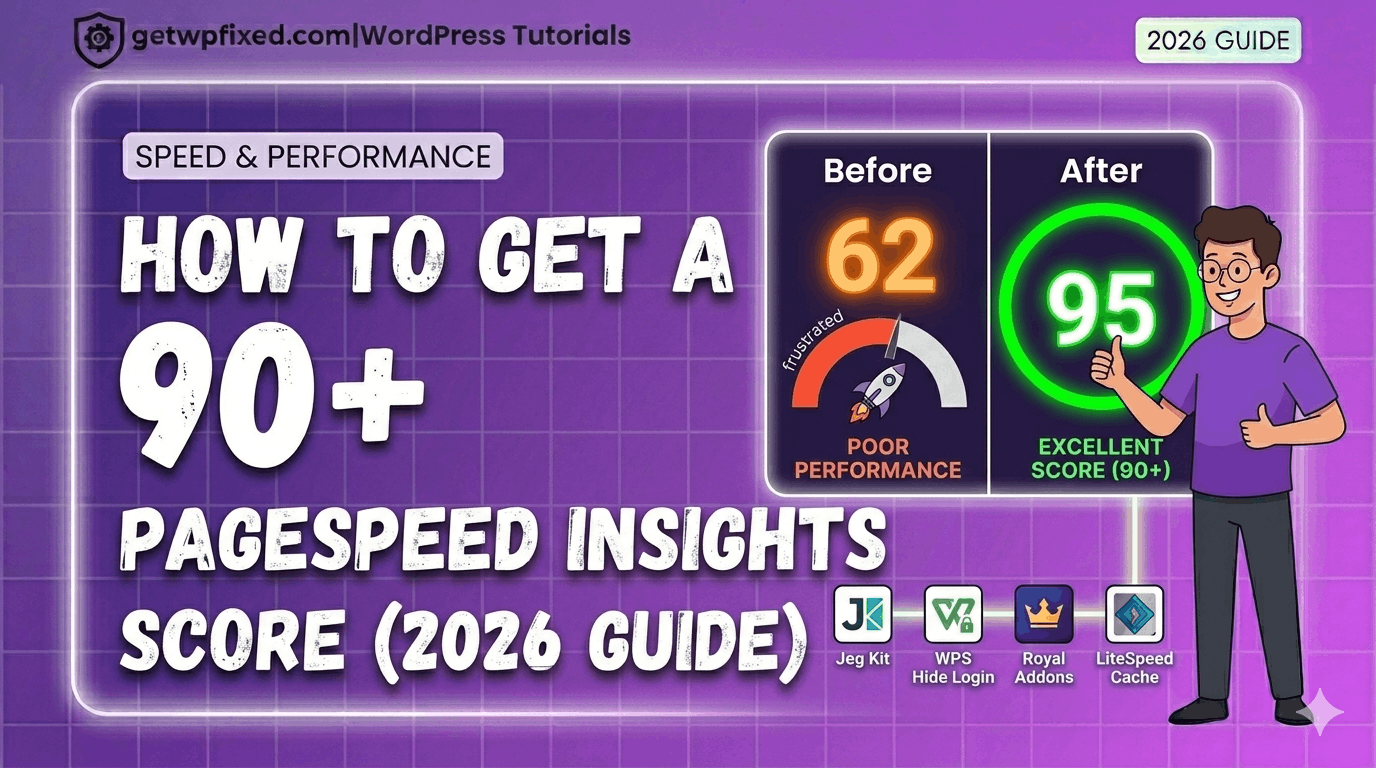
In the early days of WordPress, Speed was a luxury. By 2026, it has become a baseline requirement for survival. If you are asking, is core web vitals a ranking factor?, the answer is a resounding YES—but with a strategic twist that most generic SEO blogs miss. With the rollout of the March 2026 Core Update, Google has shifted from treating performance as a bonus to treating it as a barrier to entry. If your site fails the Core Web Vitals (CWV) thresholds, you aren’t just losing a few spots; you are being filtered out of the top results by an algorithm that prioritizes Real User Experience (CrUX) above almost everything else. 1. Why Is Core Web Vitals a Ranking Factor in 2026? Google’s ultimate goal is to keep users on their search engine. If Google sends a user to a slow, jumpy website, that user has a bad experience with Google. To prevent this, Google uses three specific metrics to quantify happiness. In 2026, these aren’t just numbers in a lab; they are pulled from real Chrome users visiting your site from Kolhapur, London, or New York. The Tie-Breaker Effect Imagine two websites writing about “The Best WordPress Hosting in India.” Both have excellent content, high-quality backlinks, and established authority. In 2026, Site A wins every single time. In competitive niches across the US and UK, where content quality has reached a plateau, your technical performance is the only “Tie-Breaker” left. 2. Is Core Web Vitals a Ranking Factor for Mobile Search? Google moved to Mobile-First Indexing years ago, but in 2026, this has reached its peak. Google now primarily uses the mobile version of your site to determine your rankings—even for desktop searches. If your site loads fast on your office MacBook but lags on a mid-range Android phone in a 4G area of Germany, your rankings will suffer globally. This is because Core Web Vitals are context-aware. Google knows if your audience is on a high-speed fiber connection or a fluctuating mobile network, and they adjust your Ranking Weight accordingly. Also read: How to Get a 90+ Score on PageSpeed Insights (2026 Guide) 3. Understanding the 2026 Thresholds: LCP, INP, and CLS To understand “is core web vitals a ranking factor”, you must understand the three specific tests your site must pass. A. Largest Contentful Paint (LCP) – The Loading Test LCP measures how long it takes for the largest visual element (usually your hero image or main headline) to appear. B. Interaction to Next Paint (INP) – The Snappiness Test INP replaced FID (First Input Delay) and is now the most critical metric for 2026. It measures the delay for every interaction, not just the first one. C. Cumulative Layout Shift (CLS) – The “Stability” Test Does your content jump when an ad loads? That is CLS. 4. How Your Hosting Choice Directly Impacts Your Ranking Factor Many developers make the mistake of trying to optimize a slow server. You cannot plugin your way out of bad hosting. If your TTFB (Time to First Byte) is over 600ms, your LCP will almost always fail. In 2026, we recommend: Using a host with LiteSpeed servers is no longer optional if you want to use the LiteSpeed Cache plugin to its full potential to fix core web vitals errors. 5. The Impact of Failing: The Search Console Warning If you ignore these metrics, you will eventually see a “Poor” status in your Google Search Console. In 2026, a “Poor” status is a leading indicator of an upcoming Ranking Drop. When Google sees a pattern of “Poor” performance across a domain, they don’t just penalize one page; they may lower the Trust Score for your entire brand. This makes it harder for your new content to rank, regardless of how good it is. 6. Summary: The GetWPFixed Performance Checklist If you want to ensure your site is on the right side of the 2026 algorithm, follow this checklist: Action Item Technical Goal Priority Upgrade to NVMe Hosting Lower TTFB to < 200ms Critical Implement AVIF Images Reduce LCP by 30% High Delay Third-Party JS Fix INP “Lag” issues High Set Image Dimensions Eliminate CLS “Jumps” Medium Final Thoughts: Experience Over Numbers At the end of the day, Google cares about the person behind the screen. Is core web vitals a ranking factor? Yes. But more importantly, it is a Conversion Factor. A site that passes these tests is a site that makes money. Is your site currently stuck in the “Orange” or “Red” zone? Comment below with your URL, and I’ll give you a free technical breakdown of which metric is holding your rankings back!