
If you’ve recently built a WordPress website, one of the first questions you’ll probably ask is:
Which SEO plugin should I use?
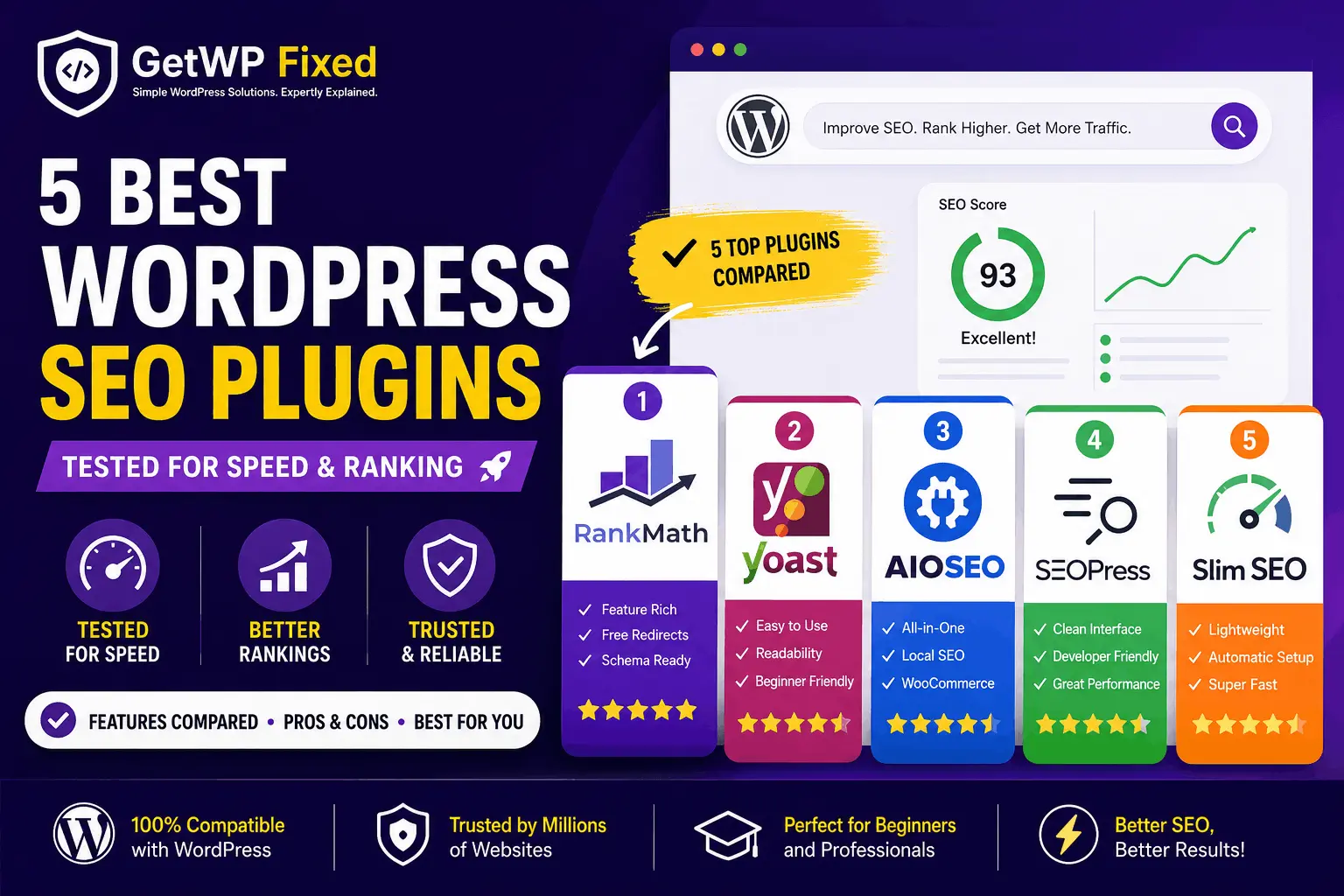
Search for “best WordPress SEO plugins” and you’ll quickly find a long list of options. Rank Math, Yoast SEO, All in One SEO, SEOPress, Slim SEO — they all promise to make SEO easier.
But choosing an SEO plugin isn’t really about finding the plugin with the longest feature list.
A personal blog doesn’t need the same tools as a WooCommerce store. A beginner may want a simple dashboard, while someone managing several client websites may want better control over redirects, schema, and technical SEO.
For this comparison, I looked at the things that actually matter when you use an SEO plugin on a real WordPress website:
- How easy it is to set up
- How easy the dashboard is to use
- Which SEO features are available
- What you get in the free version
- Schema and structured data options
- Redirect management
- WooCommerce support
- How much control the plugin gives you
- Who the plugin makes the most sense for
So, which one should you choose?
Let’s compare them.Quick Answer
If you want the short version:
Rank Math is my pick for the best overall SEO plugin for most WordPress websites. It offers a strong collection of SEO features, including schema, redirects, sitemaps, and WooCommerce-related SEO tools.
Yoast SEO is still an excellent choice if you prefer a simpler and well-established SEO workflow.
AIOSEO is worth considering for business websites and WooCommerce stores.
SEOPress is particularly attractive to developers, freelancers, and agencies that prefer a clean interface.
And if you want something that handles most of the basic SEO work automatically, Slim SEO is one of the simplest options.
There isn’t one plugin that is perfect for everyone.
At a Glance
| Item | Details |
|---|---|
| Difficulty | Beginner to Intermediate |
| Reading time | About 12 minutes |
| Plugins compared | 5 |
| Best overall | Rank Math |
| Best for beginners | Yoast SEO |
| Best for businesses | AIOSEO |
| Best for developers | SEOPress |
| Best lightweight option | Slim SEO |
| Updated | August 2026 |
What Should You Look for in a WordPress SEO Plugin?
Before choosing a plugin, it helps to understand what you’re actually getting.
An SEO plugin doesn’t magically make a website rank higher.
Instead, it gives you tools for handling things such as:
- SEO titles and meta descriptions
- XML sitemaps
- Canonical URLs
- Schema markup
- Open Graph metadata
- Robots directives
- Breadcrumbs
- Redirects
- Content analysis
- WooCommerce SEO
The important thing is not how many features a plugin has.
It’s whether you will actually use those features.
A plugin with 100 settings isn’t necessarily better than one with 30 settings if the extra options only make your website harder to manage.
How I Compared These SEO Plugins
I focused on the features that are useful during normal WordPress work rather than simply comparing the number of buttons in each dashboard.
Setup and Ease of Use
The first question is simple:
Can you get the plugin configured without spending hours going through documentation?
A good SEO plugin should give beginners sensible defaults while still allowing experienced users to change important settings.
SEO Features
I looked at the core tools most WordPress websites need:
- SEO titles
- Meta descriptions
- XML sitemaps
- Canonical URLs
- Robots controls
- Schema markup
- Breadcrumbs
- Social metadata
- Redirects
Free Version
The free version matters, especially if you’re running a personal blog or a small business website.
A plugin can have an impressive feature list, but if most of the useful tools are locked behind a paid plan, that changes the value considerably.
WooCommerce Support
WooCommerce websites have additional SEO requirements.
Product pages need appropriate structured data, product information needs to be handled correctly, and store owners often need more control over indexing and metadata.
Also read: How to Fix a Corrupted WordPress Database (2026 Guide)
Day-to-Day Experience
This is one area that doesn’t show up well in feature comparison tables.
You might use your SEO plugin every time you publish a post.
So the interface should make common tasks easy rather than turning every article into a technical project.
Quick Comparison
| Plugin | Best For | Ease of Use | Advanced SEO | Free Version | My Rating |
|---|---|---|---|---|---|
| Rank Math | Most websites | Excellent | Excellent | Excellent | ⭐⭐⭐⭐⭐ |
| Yoast SEO | Beginners | Excellent | Very Good | Good | ⭐⭐⭐⭐☆ |
| AIOSEO | Businesses & stores | Excellent | Excellent | Good | ⭐⭐⭐⭐☆ |
| SEOPress | Developers & agencies | Very Good | Excellent | Very Good | ⭐⭐⭐⭐☆ |
| Slim SEO | Simple websites | Excellent | Basic–Good | Good | ⭐⭐⭐⭐☆ |
Ratings are my overall assessment of usability, features, flexibility, and value. They are not Google ranking scores.
1. Rank Math – Best Overall SEO Plugin
Best for: Most WordPress websites

If I were starting a new WordPress website today, Rank Math would be one of the first SEO plugins I’d consider.
Its biggest advantage is the amount of functionality available without making you install several separate plugins.
Rank Math includes tools for things such as XML sitemaps, schema markup, redirects, SEO analysis, and WooCommerce SEO.
It also has a setup wizard that makes the initial configuration fairly straightforward.
The plugin’s content analysis can be useful when you’re writing an article because it gives you a checklist of SEO elements to review.
You don’t have to follow every suggestion blindly, though. SEO plugins can identify technical issues, but they can’t decide whether an article is actually useful to readers.
What I Like
- Good setup wizard
- Large feature set
- Strong schema support
- Redirect management
- WooCommerce SEO functionality
- Useful content analysis
- Generous free feature set
Rank Math’s own documentation confirms that its free version includes WooCommerce SEO functionality, while additional product features are available in Rank Math PRO.
What Could Be Better
The number of settings can be intimidating when you first install it.
If you’re new to WordPress SEO, don’t try to configure everything immediately. Start with the basic settings and only enable advanced features when you actually need them.
Best For
- Bloggers
- Business websites
- Freelancers
- WooCommerce stores
- WordPress developers
- Agencies
Overall rating: 5/5
2. Yoast SEO – Best for Beginners
Best for: Beginners, bloggers, and small business websites

Yoast SEO has been around for a long time, and there’s a good reason it remains popular.
The interface is relatively easy to understand, and its content analysis tools make it approachable for someone who is still learning SEO.
The readability analysis is particularly useful for beginners because it encourages you to pay attention to paragraph length, sentence structure, headings, and other readability factors.
Yoast also generates structured data automatically. Its current documentation says that schema support is included in the free plugin, while additional features such as the Redirect Manager are available in premium products.
What I Like
- Easy to understand
- Good content and readability analysis
- Strong schema implementation
- Well-established plugin
- Good documentation
- Suitable for beginners
What Could Be Better
Some advanced features require a paid version.
For example, Yoast’s Redirect Manager is included with Yoast SEO Premium and other paid products rather than the standard free plugin.
That doesn’t make the free version bad. It simply means you should check which features you actually need before choosing a plugin.
Best For
- Beginners
- Personal blogs
- Small business websites
- Content-focused websites
Overall rating: 4.5/5
3. All in One SEO (AIOSEO) – Best for Business Websites
Best for: Business websites and WooCommerce stores
All in One SEO, usually called AIOSEO, is another established WordPress SEO plugin.
One thing I like about AIOSEO is that it tries to keep the different parts of SEO inside one toolkit.
Depending on the setup and plan, you can work with XML sitemaps, schema, local SEO, WooCommerce SEO, redirects, and other technical SEO features from the same plugin.
AIOSEO’s current product documentation highlights smart sitemaps, rich snippets/schema, local SEO, WooCommerce SEO, and advanced SEO modules.
What I Like
- Beginner-friendly interface
- Strong schema tools
- XML sitemap support
- Local SEO features
- WooCommerce SEO
- Redirect management
- Good range of advanced tools
What Could Be Better
The free version is useful, but some of the more advanced features are reserved for paid plans.
If you’re running a small blog, you may never need those features.
For a larger business website or online store, however, the additional tools can make the paid version more worthwhile.
Best For
- Business websites
- Local businesses
- WooCommerce stores
- Growing websites
- Marketing teams
Overall rating: 4.5/5
4. SEOPress – Best for Developers and Agencies
Best for: Developers, freelancers, and agencies
SEOPress is one of the plugins I would consider if I wanted a cleaner SEO dashboard without a lot of unnecessary distractions.
It provides control over important areas such as titles and meta descriptions, XML sitemaps, canonical URLs, robots directives, and redirects.
Its current feature set also includes structured data, breadcrumbs, WooCommerce SEO, and other technical SEO tools. Some advanced schema, redirect, and analytics functionality is available in SEOPress PRO.
For someone who builds WordPress websites for clients, this can be a nice advantage.
You don’t necessarily want to hand a client a dashboard full of settings they’ll never touch.
What I Like
- Clean interface
- Good technical SEO controls
- Strong schema support
- Redirect management
- WooCommerce integration
- Suitable for client websites
- Good flexibility for developers
What Could Be Better
SEOPress doesn’t guide beginners quite as aggressively as some of the larger plugins.
That’s not necessarily a disadvantage for experienced WordPress users, but a complete beginner may prefer a more guided setup.
Best For
- WordPress developers
- Freelancers
- Digital agencies
- Client websites
- Experienced WordPress users
Overall rating: 4.6/5
5. Slim SEO – Best for a Simple, Automatic Setup
Best for: Beginners and website owners who don’t want dozens of SEO settings
Slim SEO takes a different approach.
Instead of asking you to configure a long list of SEO options, it tries to handle many of them automatically.
The plugin automatically generates important meta tags, XML sitemaps, breadcrumbs, and structured data. Its documentation also lists redirection and 404 monitoring among its features.
That makes it interesting for someone who simply wants their WordPress website to have a sensible SEO foundation without spending an afternoon configuring settings.
The trade-off is control.
If you like manually adjusting every part of your site’s SEO, Slim SEO may feel too limited compared with Rank Math, AIOSEO, or SEOPress.
What I Like
- Very simple setup
- Automatic configuration
- Lightweight approach
- XML sitemap
- Automatic schema
- Breadcrumb support
- Redirection features
Slim SEO’s current documentation shows that its schema system automatically connects information such as the article, author, website, and breadcrumbs.
What Could Be Better
The simplicity is also its limitation.
Users who want detailed control over advanced SEO settings may eventually need something more flexible.
Best For
- Personal blogs
- Beginners
- Portfolio websites
- Small business websites
- Website owners who prefer automation
Overall rating: 4.4/5
Which WordPress SEO Plugin Should You Choose?
After looking at all five options, I wouldn’t choose a plugin simply because somebody calls it “the best.”
Think about what you’re actually building.
| If You Want… | My Pick |
|---|---|
| Best overall | 🥇 Rank Math |
| Easiest for beginners | 🥈 Yoast SEO |
| Business website | 🥉 AIOSEO |
| Developer-friendly workflow | SEOPress |
| Simple automatic SEO | Slim SEO |
| WooCommerce website | Rank Math / AIOSEO |
| Maximum simplicity | Slim SEO |
My Recommendation for Most WordPress Websites
For a new WordPress website, Rank Math would be my first choice from this list.
The main reason isn’t that it has the most features.
It’s the balance between features, usability, and what you can do without immediately paying for a premium plugin.
That makes it suitable for a lot of common WordPress projects.
But there is one important exception.
If you’re already using Yoast SEO and your website is working well, I wouldn’t switch just because another plugin has a longer feature list.
Changing SEO plugins can create unnecessary work, especially on an established website.
Your time is usually better spent improving your content, fixing technical issues, strengthening internal links, and making the website easier to use.
Rank Math vs. Yoast SEO: Which One Is Better?
This is probably the comparison most WordPress beginners care about.
Choose Rank Math if:
- You want more features in the free version
- You want built-in redirect functionality
- You want extensive schema options
- You manage WooCommerce
- You want more SEO controls
Choose Yoast SEO if:
- You prefer a straightforward interface
- You’re new to SEO
- You like its readability analysis
- You’re already comfortable with Yoast
- You don’t need every advanced feature
Both are capable SEO plugins.
The difference is mostly in how they approach SEO and how much control they give you.
Can You Use Two SEO Plugins on the Same WordPress Website?
No, you generally shouldn’t.
Running two SEO plugins at the same time can cause conflicts.
For example, both plugins may try to generate:
- Meta descriptions
- Canonical tags
- XML sitemaps
- Schema markup
- Open Graph tags
That can leave you with duplicate or conflicting output.
If you’re moving from one SEO plugin to another, use the migration/import tools provided by the plugin you’re moving to and make sure the old SEO plugin is properly disabled.
Does a WordPress SEO Plugin Improve Google Rankings?
Not by itself.
An SEO plugin is a tool.
It can help you:
- Create better meta titles
- Write meta descriptions
- Generate XML sitemaps
- Manage canonical URLs
- Add structured data
- Control indexing
- Manage redirects
But the plugin doesn’t make weak content useful.
Google still evaluates many other signals, including the usefulness and relevance of your content, site structure, links, page experience, and other factors.
Think of an SEO plugin as the toolbox.
You still have to do the actual work.
Which SEO Plugin Is Best for WooCommerce?
For WooCommerce, I’d look first at Rank Math and AIOSEO.
Both provide WooCommerce-specific SEO functionality.
Rank Math’s documentation describes its WooCommerce SEO features, including product-related structured data and sitemap functionality, while AIOSEO provides a dedicated WooCommerce SEO toolkit.
If your store is already using one of them successfully, there may be little reason to switch.
For a new store, compare the exact features you need rather than choosing purely based on popularity.
Do You Need an SEO Plugin if You Use Elementor?
Yes.
Elementor and an SEO plugin do different jobs.
Elementor is primarily a page builder.
An SEO plugin handles things such as:
- Meta titles
- Meta descriptions
- XML sitemaps
- Schema
- Canonical URLs
- Robots directives
- Social metadata
You can use Elementor for the design and a dedicated SEO plugin for search-related controls.
They work together rather than replacing each other.
What About Website Speed?
This is another area where I wouldn’t make a decision based purely on marketing claims.
Every plugin adds some code and functionality, but the actual effect on performance depends on what the plugin loads, your theme, other plugins, hosting, caching, images, scripts, and how the site is built.
Don’t choose a plugin solely because someone says:
“This is the fastest SEO plugin.”
Instead, test your own website.
Check:
- Core Web Vitals
- Page load behavior
- JavaScript
- CSS
- Server response time
- Mobile performance
And remember that a few milliseconds of theoretical plugin overhead matter far less than a badly optimized page with huge images and unnecessary scripts.
Also read: How to Create a Sticky Header in Elementor (2026 guide)
Frequently Asked Questions
Which is the best WordPress SEO plugin in 2026?
For most new WordPress websites, Rank Math is my overall pick because it combines a broad feature set with a useful free version.
Yoast SEO, AIOSEO, SEOPress, and Slim SEO can all make sense depending on the website and the user’s needs.
Is Rank Math better than Yoast SEO?
Not for everyone.
Rank Math generally offers more advanced functionality in its free version, while Yoast focuses heavily on a straightforward workflow and content/readability guidance.
If you’re starting a new website, I’d lean toward Rank Math.
If your existing website is already working well with Yoast, there’s usually no good reason to switch simply for the sake of switching.
Can I change my SEO plugin later?
Yes.
You can migrate from one SEO plugin to another, but do it carefully.
Before switching:
- Create a backup.
- Check your current SEO titles and descriptions.
- Check your index/noindex settings.
- Check canonical URLs.
- Check redirects.
- Import your existing SEO data into the new plugin.
- Check several important pages after the migration.
Don’t deactivate one plugin and immediately assume everything has transferred correctly.
Which SEO plugin is easiest for beginners?
Yoast SEO and Slim SEO are both good options for beginners.
Yoast gives you more guidance during content optimization.
Slim SEO takes a more automatic approach and asks you to configure fewer things.
Is SEOPress good for client websites?
Yes.
SEOPress is particularly interesting for developers and agencies because it provides a relatively clean interface while still offering advanced technical SEO controls.
Its current feature set includes tools for redirects, structured data, WooCommerce, breadcrumbs, sitemaps, and other technical SEO tasks.
Is Slim SEO good for a small WordPress website?
Yes.
If your website doesn’t require a large number of advanced SEO controls, Slim SEO can be a sensible choice.
Its main strength is automation. It handles meta tags, sitemaps, schema, breadcrumbs, and other SEO tasks with relatively little configuration.
Does changing SEO plugins improve rankings?
No, not automatically.
Changing from Yoast to Rank Math, or from another plugin to SEOPress, doesn’t suddenly make a website rank higher.
A plugin change can improve your workflow or give you access to tools you actually need, but rankings depend on much more than the plugin you’re using.
Final Verdict
Here is how I’d rank these five for different situations:
| Plugin | Best For | Overall Rating |
|---|---|---|
| 🥇 Rank Math | Most WordPress websites | ⭐⭐⭐⭐⭐ |
| 🥈 Yoast SEO | Beginners | ⭐⭐⭐⭐☆ |
| 🥉 AIOSEO | Business & WooCommerce websites | ⭐⭐⭐⭐☆ |
| SEOPress | Developers & agencies | ⭐⭐⭐⭐☆ |
| Slim SEO | Simple, lightweight setups | ⭐⭐⭐⭐☆ |
If I were building a new WordPress website today, I’d choose Rank Math for most projects.
But I wouldn’t tell someone using Yoast SEO to uninstall it just because Rank Math has more features.
The best SEO plugin is the one that gives you the controls you need without making your website harder to manage.
And honestly, the plugin is only a small part of the picture.
A well-written article, useful information, good internal linking, a technically healthy website, fast pages, and a good experience for visitors will matter much more than whether you chose Rank Math, Yoast, AIOSEO, SEOPress, or Slim SEO.
Key Takeaways
- Rank Math is my overall choice for most new WordPress websites.
- Yoast SEO is still an excellent option for beginners.
- AIOSEO is worth considering for businesses and WooCommerce stores.
- SEOPress is a strong choice for developers and agencies.
- Slim SEO is a good option if you want less configuration.
- Don’t install two SEO plugins together.
- Don’t change SEO plugins just because another one has more features.
- Your SEO plugin won’t replace good content.
- Focus on useful content, site structure, internal links, performance, and user experience.