
How to Fix ‘Error Establishing a Database Connection’ in WordPress (2026 Guide)
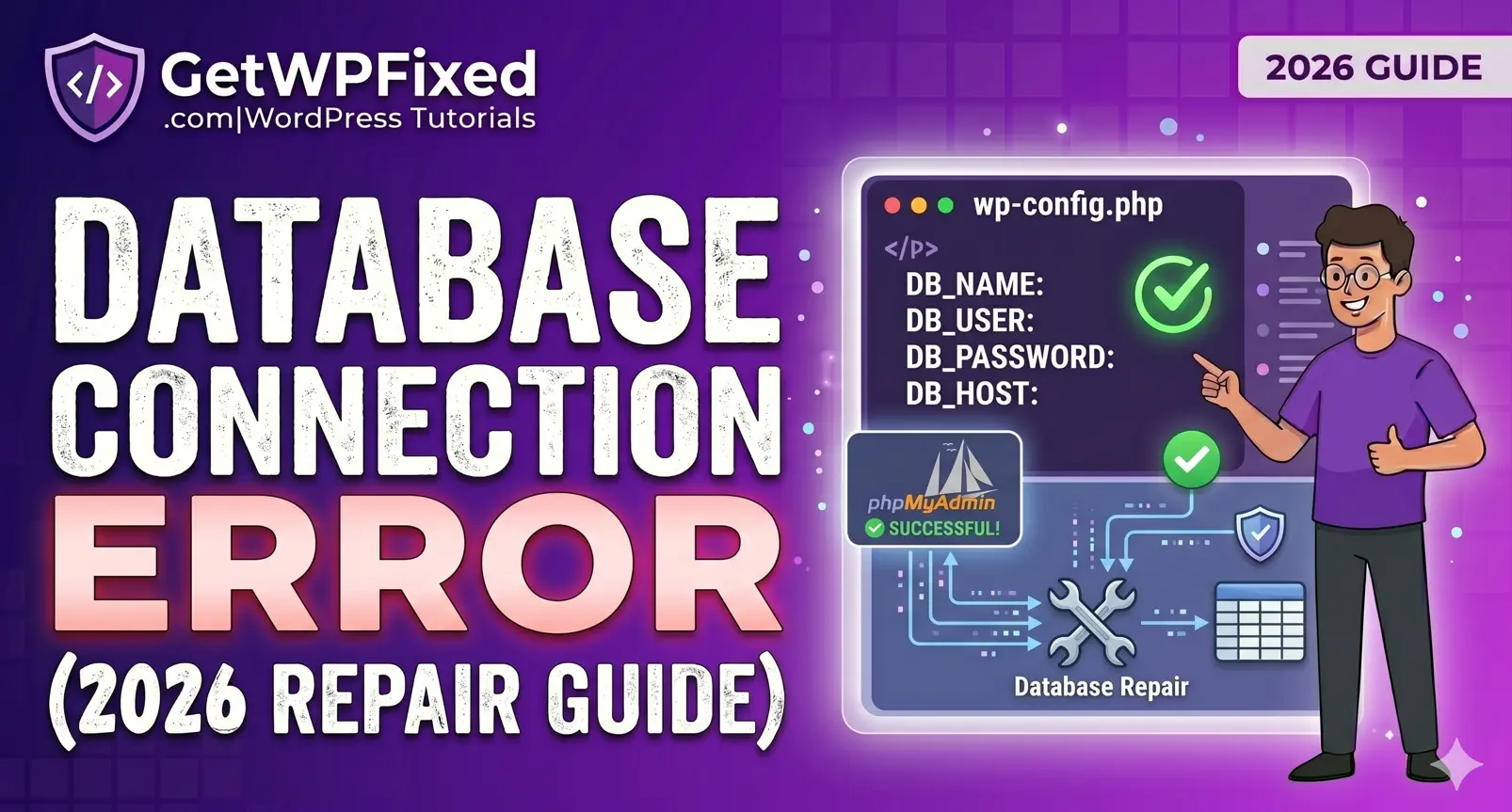
There is no screen more terrifying for a WordPress site owner than the cold, white background with five words: “Error Establishing a Database Connection.” In an instant, your business is invisible. Your sales stop, your SEO rankings begin to slip, and your heartbeat quickens. In 2026, where digital presence is synonymous with business survival, you cannot afford to wait for a hosting support ticket that might take hours to resolve. At GetWPFixed, I specialize in high-stakes technical recovery. This guide is a comprehensive Surgical Manual designed to help you fix error establishing a database connection issues like a professional developer. We will move from the simplest credential checks to deep server-side diagnostics and advanced recovery. 1. The Anatomy of the Error: Why Does This Happen? To fix the problem, you must understand the technical logic of the system. WordPress is built on a Decoupled Architecture, meaning it relies on two separate pillars: The “Error Establishing a Database Connection” occurs when the engine cannot talk to the fuel. This communication breakdown usually happens for one of three reasons: 2. Why You Need to Fix Error Establishing a Database Connection Immediately In the fast-paced web environment of 2026, downtime is a silent business killer. When your site fails to connect to its data source, you aren’t just losing visitors; you are losing search engine authority. Google’s crawlers are constantly visiting your site. If they hit a database error, they may temporarily de-index your pages to protect users from a broken” experience. Furthermore, if you are running ads through Google Adsense or Meta, a database error can lead to account suspension for Landing Page Not Functional. This is why learning how to fix error establishing a database connection is a mandatory skill for every WordPress administrator. 3. Step 1: The Immediate Response Diagnostic Before you start changing code, we need to determine if the error is Universal or Specific. This diagnostic tells us exactly where to look. The Admin Side Test Try to access your login page by adding /wp-admin to your URL (e.g., yourwebsite.com/wp-admin). The Native Repair Fix If you fall into Case B, WordPress has a built-in Medic. 4. Step 2: Validating the wp-config.phpCredentials 90% of database errors are caused by a simple typo in the wp-config.php file. This usually happens after a site migration, a hosting update, or an accidental password change in the hosting panel. The Four Pillars of Connection Open your wp-config.php and find these four specific lines. They must match your hosting environment perfectly: The Cross-Check Logic for Hostinger & MilesWeb Do not guess these values. You must verify them inside your hosting panel. 5. Step 3: Troubleshooting the DB_HOST Variable While localhost is the standard, many modern 2026 high-performance hosts use specific IP addresses or internal URLs to improve speed. If you have verified your Name, User, and Password, and the site is still down, your DB_HOST is likely the culprit. Pro Tip: If localhost isn’t working, try changing it to 127.0.0.1. Sometimes the server’s DNS cannot resolve the word localhost, but it can resolve the IP address. 6. Step 4: Investigating Server Health & Resources Sometimes, your code is perfect, but the server is simply exhausted. Database servers require RAM and CPU to stay active. The phpMyAdmin Test Log into your hosting dashboard and try to open phpMyAdmin. 7. Advanced: Fixing Database Prefix Mismatches If you recently migrated your site manually, you might have a Table Prefix mismatch. Look at your database tables in phpMyAdmin. Do they start with wp_ or something else like wp_7abc_? Check your wp-config.php for this line: $table_prefix = ‘wp_’; If your database tables in phpMyAdmin are actually named wp_new_, you must update this line to match, or WordPress will act as if the database is empty, leading to a connection error. 8. Preventative Maintenance: Stop the Error Before It Happens The best way to fix error establishing a database connection is to ensure it never happens again. Final Thoughts: The Cost of Downtime When you fix error establishing a database connection, you aren’t just writing code—you are restoring trust with your customers. In 2026, site reliability is the greatest SEO factor. Every minute your site is down, your Bounce Rate increases, which tells Google to lower your rankings. Still stuck on the white screen? Comment below with your hosting provider (Hostinger, MilesWeb, etc.), and I will personally help you identify your DB_HOST!