
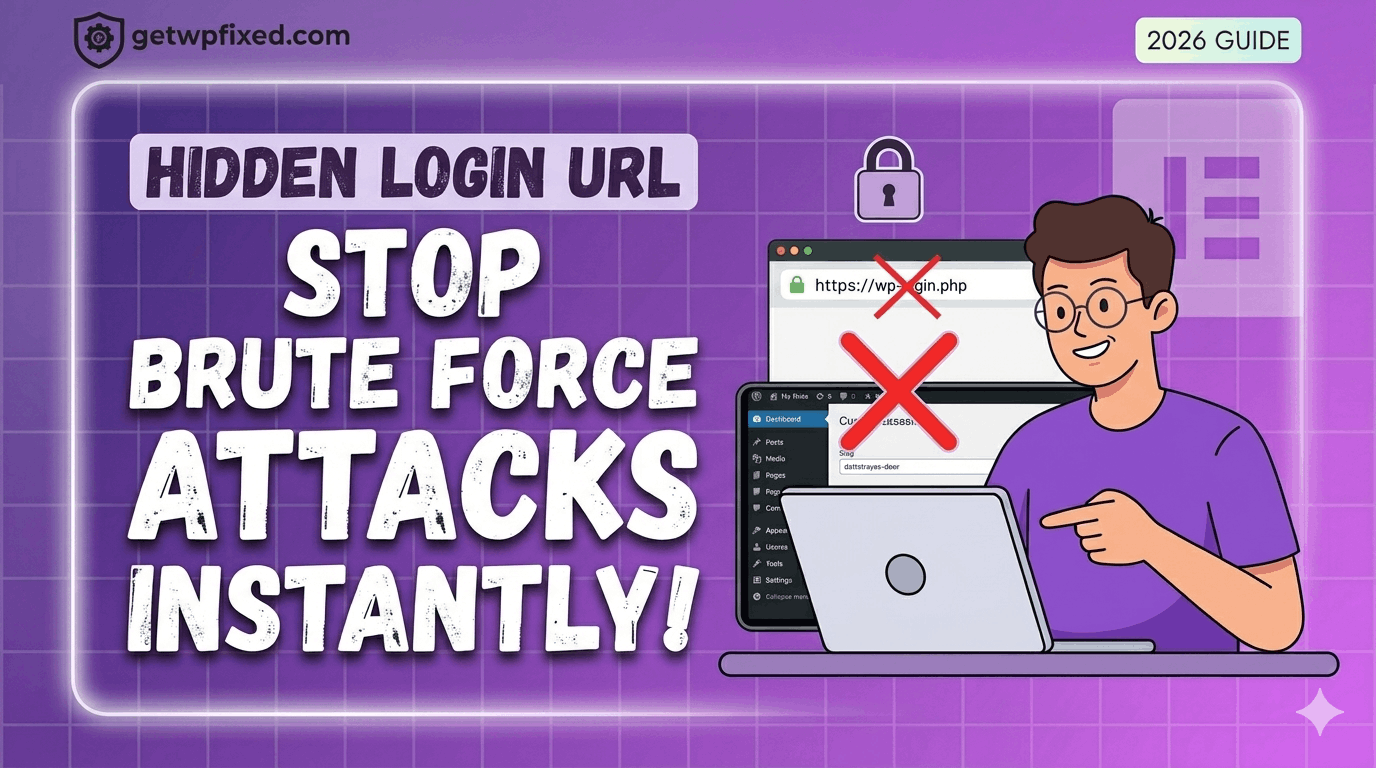
If you have ever checked your site’s security logs and seen hundreds of failed login attempts from countries you don’t even live in, don’t panic. You aren’t being personally targeted—it’s just the reality of the internet in 2026. Bots are constantly “knocking” on the door of every WordPress site by trying to access the default /wp-login.php or /wp-admin pages.
At GetWPFixed, I always tell my clients: the easiest way to stop a thief is to make sure they can’t even find the front door. By hiding your login URL, you instantly block about 99% of brute-force bot attacks.
Why the Default Login is a Risk
Every WordPress site in the world uses the same login address by default. Because hackers know this, they set up automated scripts to try thousands of password combinations on that specific page. Even if they don’t get in, these constant “hits” can slow down your server and eat up your resources.
The Solution: WPS Hide Login
While there are many complex ways to do this with code, I prefer the “set it and forget it” method. I’ve used WPS Hide Login on dozens of websites. It’s lightweight, it doesn’t slow down your site, and it just works.
How to Set It Up (In 2 Minutes)
- Install the Plugin: Go to Plugins > Add New and search for “WPS Hide Login.” Install and activate it.
- Choose Your Secret URL: Head over to Settings > General and scroll to the bottom.
- Rename the Login: You will see a field to change your login URL. Instead of
wp-login.php, change it to something unique likemy-secret-entryordattatrayas-door. - Set the Redirect: Change the “Redirection URL” to your 404 page. This means anyone who tries to go to the old login page will just see a “Page Not Found” error.
CRITICAL TIP: Once you hit save, bookmark your new login URL immediately! If you forget it, you will be locked out of your own site (though you can always fix this by deleting the plugin folder via FTP if you get stuck).
Final Thoughts
Security doesn’t have to be complicated. Hiding your login page is a simple “fix” that gives you peace of mind and keeps your server running smoothly. Combined with a strong password, your site is now much safer than most.
Have you ever seen a “Critical Error” after installing a security plugin? Let me know in the comments—I’ve seen them all and I’m here to help!