
WordPress Security Guide: Protect Your Website | GetWPFixed

How to Hide Your WordPress Login Page (The Easiest Way to Stop Bot Attacks)
hide WordPress Login Page

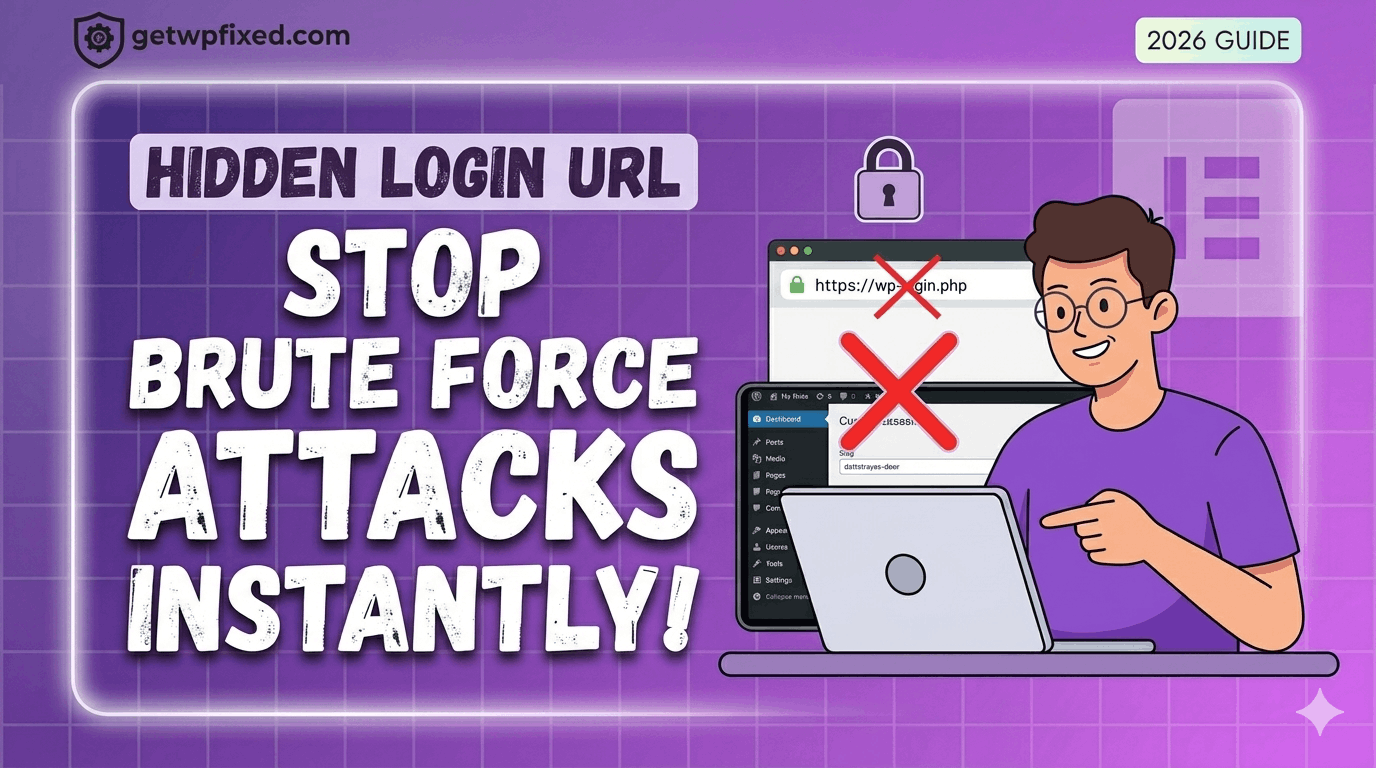
If you have ever checked your site’s security logs and seen hundreds of failed login attempts from countries you don’t even live in, don’t panic. You aren’t being personally targeted—it’s just the reality of the internet in 2026. Bots are constantly “knocking” on the door of every WordPress site by trying to access the default /wp-login.php or /wp-admin pages. At GetWPFixed, I always tell my clients: the easiest way to stop a thief is to make sure they can’t even find the front door. By hiding your login URL, you instantly block about 99% of brute-force bot attacks. Why the Default Login is a Risk Every WordPress site in the world uses the same login address by default. Because hackers know this, they set up automated scripts to try thousands of password combinations on that specific page. Even if they don’t get in, these constant “hits” can slow down your server and eat up your resources. The Solution: WPS Hide Login While there are many complex ways to do this with code, I prefer the “set it and forget it” method. I’ve used WPS Hide Login on dozens of websites. It’s lightweight, it doesn’t slow down your site, and it just works. How to Set It Up (In 2 Minutes) CRITICAL TIP: Once you hit save, bookmark your new login URL immediately! If you forget it, you will be locked out of your own site (though you can always fix this by deleting the plugin folder via FTP if you get stuck). Final Thoughts Security doesn’t have to be complicated. Hiding your login page is a simple “fix” that gives you peace of mind and keeps your server running smoothly. Combined with a strong password, your site is now much safer than most. Have you ever seen a “Critical Error” after installing a security plugin? Let me know in the comments—I’ve seen them all and I’m here to help!
How to Secure WordPress Login: 3 Essential Steps | GetWPFixed

Secure WordPress Login 1.png

If you’ve ever looked at your site’s raw access logs, you’ve seen it: thousands of requests hitting /wp-login.php every single hour. At GetWPFixed, we manage sites for clients all over the world, and whether you’re running a small blog in London or a massive e-commerce store in Tokyo, the problem is the same. Automated bots are constantly knocking on your door, trying to guess their way in. Relying on just a “strong password” isn’t enough anymore. If a bot tries 10,000 combinations, eventually they might get lucky—or worse, they’ll just slow down your server until it crashes. Here is how we actually protect the sites we manage. 1. Move Your Login Page to Secure WordPress Login By default, every WordPress site has its login at /wp-admin or /wp-login.php. It’s like putting a “Store Vault This Way” sign in a crowded building. Why we do this: Technically, changing your URL is “Security through Obscurity.” It doesn’t fix a vulnerability in the code, but it eliminates the noise. When you move your login to something like /internal-access-only or /getwpfixed-login, 99.9% of those automated bots won’t even find the page to start guessing. Our Recommendation: We almost always use WPS Hide Login. It’s incredibly lightweight. 2. Limit Failed Attempts to Secure WordPress Login WordPress, by itself, allows someone to try a million passwords without ever being blocked. This is a massive oversight. The “War Story”: We recently took on a client who was experiencing “random” site slowdowns. It turned out they weren’t being “hacked” in the traditional sense, but a brute-force attack was hitting their login page so hard that the database was overwhelmed just trying to check the incorrect passwords. How to fix it: You need a “3 strikes and you’re out” rule. For a global audience, we recommend setting a long lockout period. If someone misses three times, block them for 24 hours. A real human user can email you if they get stuck; a bot will just move on to an easier target. 3. Use 2FA to Secure WordPress Login (Non-Negotiable) If you take only one thing away from this guide, let it be this: Passwords are no longer enough. With the number of data breaches happening globally, there’s a good chance one of your old passwords is already in a hacker’s database. How it works: 2FA adds a second step. Even if a hacker has your username and your password, they still can’t get in without a one-time code from your phone. Our Expert Opinion: Don’t use “Email codes” for 2FA—they are slow and can be intercepted. Use an app like Google Authenticator or Authy. Summary: Your Checklist to Secure WordPress Login Security doesn’t have to be a month-long project. You can do this in 15 minutes: Still Feeling Vulnerable? Managing security for a global website can be a full-time job. At GetWPFixed, we live and breathe WordPress security. Whether you’ve been hacked and need a clean-up, or you just want to make sure you’re as safe as possible, we’re here to take that weight off your shoulders.